
Mobile eCheck Casino Cashier Guide
A mobile eCheck casino cashier can be convenient, but I would not rush through it. On a desktop screen, payment terms, limits, and confirmation notes are easier to see. On a phone, a small scroll can hide the fee line, currency note, or withdrawal warning. Since eCheck connects to a bank-account payment, the details deserve a careful read.
The good news is that you usually do not need a native casino app to use eCheck. Many Canadian-facing casinos run the cashier in a mobile browser. The important question is not “does it have an app?” It is “does the mobile cashier clearly show eCheck, CAD, limits, timing, and security?”

For general eCheck banking, read eCheck casinos Canada. For deposit steps, use eCheck deposit casino guide. If your phone cashout gets stuck, check eCheck casino support.
Mobile cashier checks before depositing
| Mobile check | What I look for |
|---|---|
| Secure page | The cashier should load inside the casino or trusted payment flow |
| CAD amount | Currency should be visible before confirmation |
| Method label | eCheck, eCheque, EFT, bank transfer, or direct bank wording |
| Fee note | Any casino or processor fee should be readable |
| Limits | Minimum and maximum deposit shown before confirming |
| Bonus toggle | Whether the deposit claims or skips a bonus |
| Confirmation screen | Final amount and method visible before tapping submit |
| Support access | Easy route to chat or help if the payment fails |
If the cashier is cramped, glitchy, or missing terms on mobile, I would switch to desktop before entering banking details.
How mobile eCheck deposits usually work
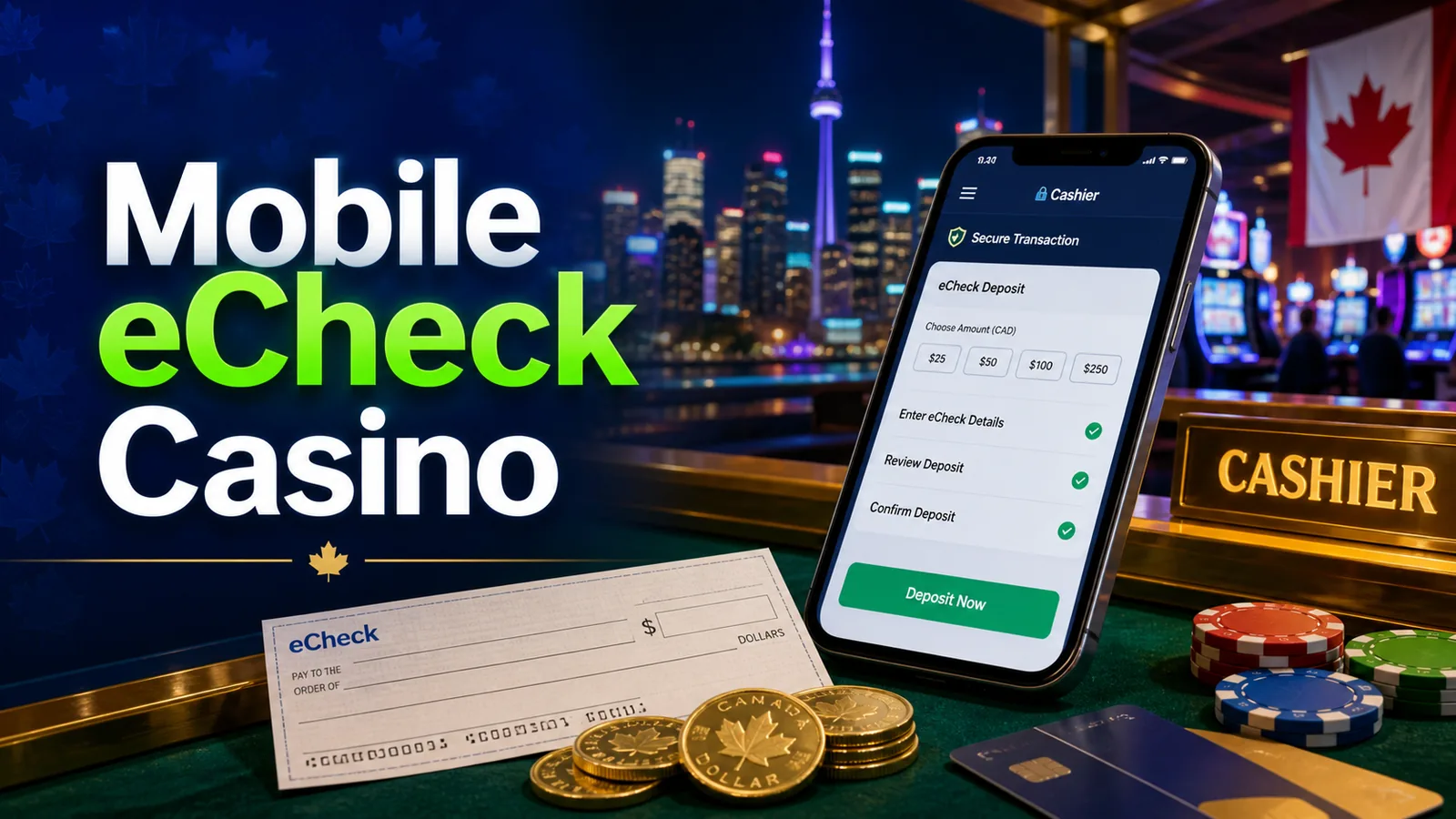
The mobile flow is similar to desktop:
1. Log in through the casino’s mobile site or app. 2. Open cashier, wallet, banking, or deposit. 3. Select eCheck, eCheque, EFT, or the bank-account option. 4. Enter a CAD amount. 5. Complete bank details or provider verification. 6. Review the confirmation page. 7. Submit and wait for approval or account credit.
The step that deserves the most attention is the bank verification flow. If the cashier opens a new window or redirect, make sure it still belongs to the casino’s payment process. Do not enter banking information into a random pop-up, and do not continue if the URL or design looks broken.
Browser versus app
Some casinos have native apps. Many do not. For eCheck, a mobile browser can be enough if the cashier is responsive and the payment provider supports it.
| Option | Strength | Caution |
|---|---|---|
| Mobile browser | No install needed, usually easiest to access | Browser pop-ups or redirects can be awkward |
| Native casino app | Smoother if properly built | Payment methods may differ from desktop |
| Desktop cashier | More room to read terms | Less convenient on the go |
I would not assume the app has the same payment options as the website. If eCheck matters, check the cashier on the device you plan to use.
Security on a phone
Mobile banking is normal in Canada, but casino payments add a few extra precautions. I would avoid public Wi-Fi, shared devices, and rushed deposits. Use the casino’s official domain, keep your device updated, and do not save banking screenshots in places other people can access.
A few habits help:
1. Use a private connection. 2. Turn on account two-factor authentication if available. 3. Use a strong casino password. 4. Check the final amount before confirming. 5. Log out after using a shared or family device. 6. Keep payment confirmation emails until settled. 7. Do not send KYC documents through unverified links.
The payment method can be secure, but careless phone habits can still create risk.
Mobile withdrawals by eCheck
Requesting a withdrawal on mobile is usually easy. Getting it approved follows the same rules as desktop. The casino may still require KYC, bank account proof, bonus review, and business-day settlement. A clean mobile screen does not mean faster processing.
Before submitting a mobile cashout, I would check:
1. Withdrawal method selected. 2. CAD amount. 3. Minimum and maximum withdrawal. 4. Pending-period note. 5. KYC status. 6. Bonus wagering status. 7. Bank account details.
If you need to upload documents, desktop may be easier. Phone photos can work, but blurry ID images are one of the easiest ways to slow verification.
Mobile bonuses and eCheck deposits
Mobile casino banners can push bonuses aggressively. Before accepting one with an eCheck deposit, open the terms. Check whether eCheck qualifies, whether the minimum deposit is higher than you planned, and whether the wagering is realistic.
If you are playing on a phone, it is easy to miss restricted-game lists and max-bet rules. That matters because bonus mistakes can block withdrawals later. For no-deposit offers, the payment method may not matter until the casino asks for a qualifying deposit or cashout route. See eCheck casino no-deposit bonus rules for that setup.
Troubleshooting mobile cashier problems
Mobile cashier issues often come from simple causes:
1. Browser pop-ups blocked. 2. Payment redirect not loading. 3. Poor connection. 4. Expired login session. 5. Incorrect bank details. 6. Unsupported bank or province. 7. Deposit above or below method limits. 8. Bonus conflict.
I would try a private browser window, clear cache, or switch device only after confirming there is no active pending transaction. Do not submit the same deposit repeatedly because duplicates can trigger payment review.
When contacting support, include device type, browser, deposit amount, method, time, and any error message. That gives the agent enough to route the issue.
Responsible mobile play
Mobile casinos make deposits easier, which is not always a good thing. I would set limits before opening the cashier. If you play on your phone during spare moments, use session reminders or time-outs so casino play does not become background scrolling.
Also remember local age and responsible gambling rules. Most provinces commonly use 19+, while Alberta, Manitoba, and Quebec are commonly 18+. Check your local rules and use the casino’s limit tools.
FAQ
Can I use eCheck on a mobile casino?
Sometimes, if the mobile cashier supports eCheck, eCheque, EFT, or bank-account deposits. Check the payment screen on your actual device.
Do I need a casino app for eCheck deposits?
Usually not. A mobile browser cashier may work, but some casinos offer different payment options in app and browser.
Are mobile eCheck deposits instant?
They can be credited quickly at some casinos, but bank settlement and approval rules vary. Verify the cashier wording.
Can I upload KYC documents from my phone?
Often yes, but make sure photos are clear and uploaded through the casino’s secure document tool.
What should I do if the mobile cashier fails?
Do not keep retrying. Check for a pending transaction, save the error message, and contact support with device, browser, amount, and payment method.